
Website Security Briefing · 2026
It’s 3:30 PM on a Thursday. Your WordPress site just went down.
If you’re responsible for your company’s WordPress website, read this before that afternoon happens.
Get the free 10-page guide, “Protecting Your Website in 2026”, and see four practical ways to protect your business, from a one-off clean-up and hardening (from $250) through to managed zero-plugin protection (from $150/month).
How would you react in that moment?
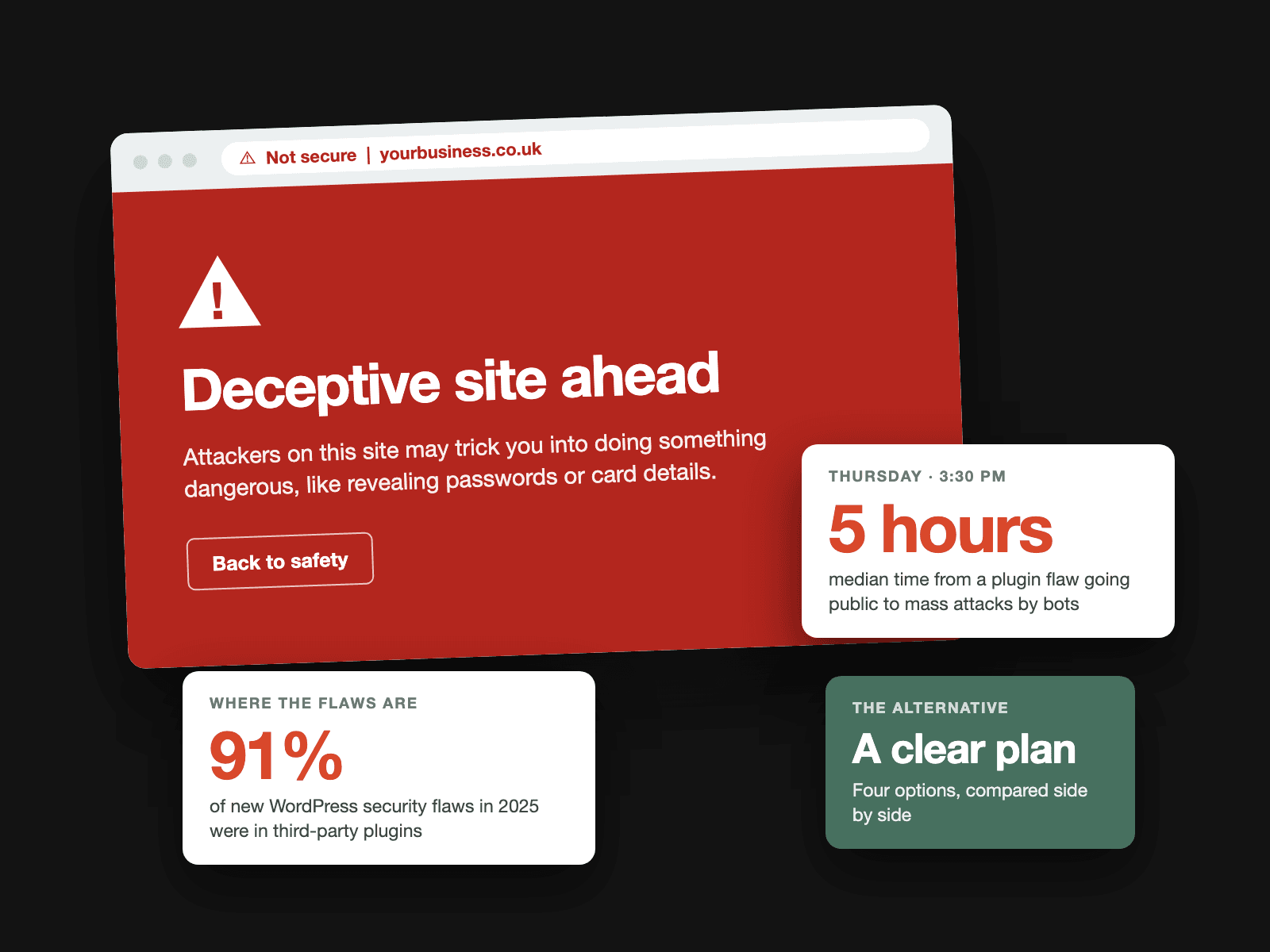
Your day’s work is already piling up, and suddenly your website goes down. Or a customer messages to say your site is redirecting to spam, or Google has put a “Deceptive site ahead” warning across your homepage.
Do you have someone on standby? Clean backups, access credentials and a recovery plan? Or are you left scrambling while inquiries stop and leadership asks what’s happening?
You don’t need panic. You need a clear plan before anything goes wrong.
The 2026 threat reality
91%
in third-party plugins
Share of new WordPress security flaws found in 2025 that were in plugins, not WordPress itself.
5 hours
to mass attacks
Median time from a plugin flaw going public to mass attacks by automated bots.
46%
with no fix available
Share of plugin flaws that had no fix on the day they were made public.
+42%
more flaws in a year
11,334 new WordPress security flaws were found in 2025, up 42% on 2024.
What a breach looks like, even without online payments
Your website goes offline
Pages are wiped, defaced or locked, often out of hours when nobody is watching.
“Book Now” links are quietly diverted
Booking and enquiry buttons are redirected to fake payment pages styled like yours.
Details are captured as customers type
Hidden code on your forms copies names, emails and card details in real time.
Google blacklists your domain
Visitors see a full-screen red warning until the site is cleaned and reviewed.
Why “it’s a trusted plugin” is no longer enough
April 2026: 31 plugins backdoored
A buyer acquired a portfolio of 31 WordPress plugins and hid a backdoor in a routine-looking update. WordPress.org closed all 31 in a single day.
October 2026: a trusted SEO plugin hijacked
For about 11 hours, official Rank Math PRO downloads and automatic updates carried a hidden backdoor. Those sites did nothing wrong.
The repair is rarely the biggest cost
Lost revenue, lost customer trust and emergency call-out rates add up fast. If customer data is exposed, you may also face breach-notification deadlines.
Your four options
Four practical options: balancing risk, control and investment
Starting prices, not quotes. Your tailored quote follows a quick look at your site. Preparing now is a fraction of the cost of an emergency breach.
Option 1: One-off clean-up
One-off fee. A tidy-up and hardening, then fix as needed.
- Removes unused plugins
- Blocks spam entry points
- Applies updates
- No ongoing plan
- Risk: High, nobody monitors day to day
Option 2: Managed WordPress
Setup quoted on review of your site. Managed hosting plus plugin care; you keep your plugins.
- Enterprise managed WordPress hosting
- Server-level PHP flaws patched automatically
- Plugin updates and backups handled
- Risk: Moderate–High, plugin flaws remain
Option 3: Zero-plugin WordPress
Typically $3,500–$6,000 to build, quoted once we have reviewed your site, then $150 per month. Features built into your theme, so you no longer rely on plugin vendors.
- Managed WordPress hosting
- Forms, integrations and sliders custom-built
- Plugin risk removed
- Risk: Low–Moderate, WordPress and PHP still need maintaining
Option 4: Rebuild on mDOS
Migration quoted on review of your site. All-inclusive; same look and features on our own platform.
- Enterprise AWS cloud hosting behind Cloudflare
- No WordPress, PHP or plugins
- Patching, backups and marketing tools built in
- You own your brand, copy, images and designs, with a full export
- Risk: Minimal
Common questions
Nobody has to decide to bother. Bots test every site automatically, so a simple site with a contact form and a few plugins is checked the same way as a large online shop.
Usually only the building. Enterprise managed hosts patch the server and PHP; budget hosts often don’t. Neither covers your plugins, which is where 91% of new WordPress security flaws are found.
Not safely any more. Mass exploitation now starts a median of 5 hours after a flaw is published, so a monthly cycle can leave you exposed for up to 29 days. And 46% of flaws had no fix when they went public.
You own your brand, copy, images and designs. The platform is a managed subscription, like Shopify or Webflow, and if you ever move we provide a full structured export of your content and assets.
It is a genuine option and you may be fine for some time. You would be accepting timing you don’t control, unplanned emergency costs, downtime and possible search and reputation damage. If you wait, keep a recent off-site backup and know who you would call in an emergency.
Sources: Patchstack, State of WordPress Security in 2026; Rank Math security notice, October 2026; Anchor Hosting and WordPress.org, April 2026. No website platform is 100% immune. WordPress is a registered trademark of the WordPress Foundation; Mr Digital is not affiliated with or endorsed by it.
Free 10-page guide · Protecting Your Website in 2026
Get the free guide and know your four options before something breaks
The guide gives you a clear, plain-English picture of where your website stands and what to do next. Inside, you’ll see why the risks changed in 2026 and how bots find and attack sites, what a breach really costs even without online payments, and the three layers of your website and who is responsible for each. You’ll also get your four options compared side by side with starting prices, plus the questions your co-directors or finance team will ask. It takes about a minute. Not sure about your hosting or plugins? That’s completely fine. Most people aren’t, and checking that for you is part of what we do.